Our approach: This article is based on published product information and use-case analysis. We have not conducted hands-on testing for this article.
TechGearPilot may earn a commission from qualifying purchases made through links on the site, at no extra cost to you. How our links work.
Keep a well-supported Wi-Fi 6 network that works. Consider Wi-Fi 7 when compatible devices, faster wired paths, or a planned network replacement make its features useful.
Wi-Fi 7 is worth considering when you are replacing network equipment anyway, have compatible devices, or need faster local connections. It is not a reason to discard a reliable, supported Wi-Fi 6 setup that already handles your household. Start with the limitation you want to remove, then ask whether the newer standard addresses it.
The confusing part is that three different ideas appear together in marketing: Wi-Fi generation, frequency band, and the speed class of a particular router. They are related, but they are not interchangeable. Understanding that difference prevents expensive upgrades that change little in the room where you actually work.
Quick comparison
| Feature or question | Wi-Fi 6 | Wi-Fi 6E | Wi-Fi 7 |
|---|---|---|---|
| Generation family | 802.11ax | 802.11ax extended to 6 GHz | 802.11be |
| Typical band distinction | 2.4 and 5 GHz | Adds 6 GHz capability | Product-dependent; inspect the bands |
| Maximum channel-width capability | Up to 160 MHz | Up to 160 MHz | Up to 320 MHz in supported 6 GHz configurations |
| Multi-Link Operation | Not a Wi-Fi 6 feature | Not a Wi-Fi 6E feature | Available with compatible implementations |
| Buying priority | Good value when it meets current needs | A possible route to 6 GHz | Useful when newer features fit the whole network |
These are technology capabilities, not promises that every product implements every feature. Intel’s generation comparison and Wi-Fi 7 explanation provide the technical background. Always inspect the actual router and client specifications.
Wi-Fi 6 is not the same thing as 6 GHz
The “6” in Wi-Fi 6 names a generation. The “6” in 6 GHz identifies a frequency band. Wi-Fi 6E extends Wi-Fi 6 operation into that additional band. A laptop described only as supporting Wi-Fi 6 should not be assumed to support 6 GHz.
This matters when upgrading one part of a network. If your phone lacks 6 GHz support, buying a router with that band will not move the phone onto it. Other compatible devices may still benefit, but you need an inventory of your actual hardware to understand who gains what. Operating-system and regional support also matter. Intel band guide.
For an apartment with crowded neighboring networks, an additional supported band can be worth investigating. For a distant bedroom behind several substantial walls, placement and access-point distribution may be the more important issue. A newer label does not change where the equipment sits.
What wider channels and MLO can change
Wider channels provide more spectrum for a compatible connection. Wi-Fi 7’s 320 MHz capability can matter for high-throughput use under suitable conditions, but it should not be read as a universal doubling of your internet speed. The device, signal, regional configuration, and other parts of the network must support the benefit.
Multi-Link Operation, or MLO, allows compatible Wi-Fi 7 implementations to use multiple links. The practical behavior depends on both ends of the connection and their software. It is worth checking when evaluating newer hardware, but a router checkbox alone does not establish a predictable improvement for every phone or computer.
The buying implication is to look beyond the router. If you are planning to replace a laptop soon, consider its wireless and Ethernet capabilities at the same time. If all your current devices use older radios, the immediate benefit of a premium Wi-Fi 7 purchase may be smaller than the advertising suggests.
Wired ports can determine the result before Wi-Fi does
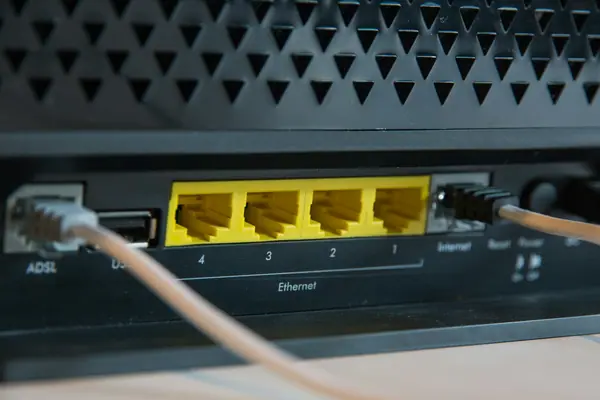
Imagine a household buying a faster-than-gigabit internet plan while retaining a router with a gigabit WAN port. That port constrains the incoming wired path. Wireless branding cannot make traffic pass through a slower physical connection at a higher rate.
A router with multi-gigabit ports may therefore be useful even before every wireless device is replaced. The TP-Link Archer BE550, for example, documents 2.5 Gbps WAN and LAN connections. Those port rates are capabilities, not end-to-end performance guarantees; a computer adapter, cable, storage device, or service plan can still impose a lower limit.
Local file transfers deserve separate consideration from internet downloads. A household moving large project files to network storage may value a faster LAN even with a modest broadband plan. Someone mainly reading email may see little practical difference. Our router buying guide separates those scenarios.
Design, placement, and everyday ease of use
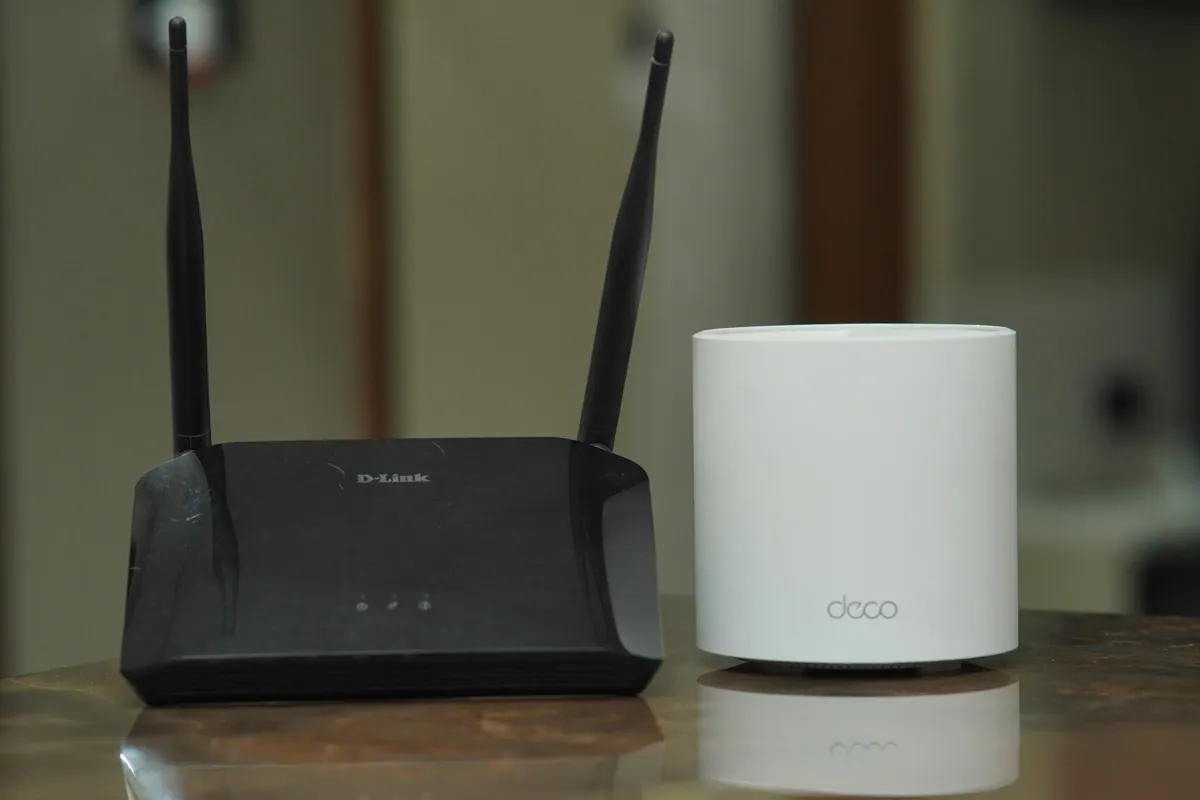
There is no physical design that belongs exclusively to Wi-Fi 6 or Wi-Fi 7. Either generation can appear in a conventional router or a mesh system. Compare port placement, size, ventilation needs, mounting options, and management software at the product level.
Ease of use is also separate from generation. One system may emphasize an app and automatic management, while another exposes more detailed settings. Choose based on who will maintain the network. A technically flexible product can be a poor fit for a household that wants simple recovery after an outage.
Similarly, mesh is a layout decision. If your problem is a long floor plan, several sensibly placed access points may help more than replacing one router in the same bad location. Wireless backhaul still needs a viable connection, and wired backhaul should be considered where practical. Start with the home Wi-Fi diagnostic steps before changing hardware.
Compatibility and migration considerations
Plan for the oldest important device as well as the newest. Smart plugs, printers, and other household equipment may have narrower capabilities than a recent laptop. Retain appropriate supported settings and follow vendor guidance when a specific device needs help joining.
Do not confuse compatible Wi-Fi standards with interoperable mesh management. Products from different systems can share basic wireless standards without forming the unified mesh you expect. Check the exact model, revision, firmware, and documented expansion options before mixing units.
If you are replacing a provider gateway, establish whether it also supplies telephone, television, or service authentication. A faster consumer router is not necessarily a complete replacement. Choose the correct routing, bridge, or access-point arrangement for that service rather than stacking devices without a plan.
Price and value for different households
A household with stable calls and streaming: keep a supported Wi-Fi 6 setup if there is no unresolved limitation. The advantage is avoiding unnecessary spending; the tradeoff is postponing newer capabilities until they become useful.
A buyer replacing failed equipment: compare current Wi-Fi 6 and Wi-Fi 7 prices with the same port and coverage requirements. A small premium for features you will soon use may be reasonable. A large premium for unused peak throughput may not be.
A multi-gigabit or network-storage user: prioritize the complete wired and wireless path. Include adapter, switch, and cabling costs. The router is one component of the system, not the whole upgrade.
A household with dead zones: put the floor plan first. A well-designed Wi-Fi 6 mesh can be a more rational choice than one expensive Wi-Fi 7 router that cannot reach the rooms that matter.
Questions that help settle the decision
Will gaming automatically improve?
No. A newer router may help a specific local bottleneck, but it cannot remove delays elsewhere on the internet. For a stationary device, compare a wired connection before spending on a wireless-generation upgrade.
Is Wi-Fi 6 obsolete for normal use?
No. Suitability depends on the router’s support status and whether the network meets your needs. A working generation does not become unusable when a newer one appears. Check product support separately from the standard name.
Which specification should I examine first?
Start with your port requirements and the bands supported by the devices you use most. Then assess coverage and management. Headline aggregate speed belongs later in the decision.
Final direction
Wi-Fi 7 provides capabilities worth buying when your devices and workload can use them. Wi-Fi 6 remains a sensible option for many everyday networks. Identify the constraint, plan the full connection path, and choose the least complicated supported setup that solves it. If an AX55 is on your shortlist, the hardware-version review explains an additional check that generation comparisons cannot cover.
Reader questions
Is Wi-Fi 6 the same as 6 GHz?
No. Wi-Fi 6 is a generation name. Wi-Fi 6E adds 6 GHz operation to Wi-Fi 6 capabilities; individual products still need the appropriate radios.
Does every Wi-Fi 7 router include 6 GHz?
No. Check the specific product's bands. A Wi-Fi 7 label alone does not guarantee a 6 GHz radio or every headline feature.
Will Wi-Fi 7 make my internet plan faster?
It cannot increase the speed your provider supplies. It may remove a local-network limitation when the router, device, ports, software, and conditions support the improvement.
Sources & further reading
Product information checked September 18, 2026. Specifications and availability can change.